
Education 3D Printing Services
Elevate your classroom with Education 3D Printing from Yigu Technology—where STEM Learning meets hands-on innovation. Our classroom-ready systems, curriculum-aligned solutions, and non-toxic materials turn abstract concepts into tangible models, boosting student engagement and creativity.
Whether teaching science, math, or art, we make Additive Manufacturing in Schools accessible, reliable, and tailored to educators’ needs.
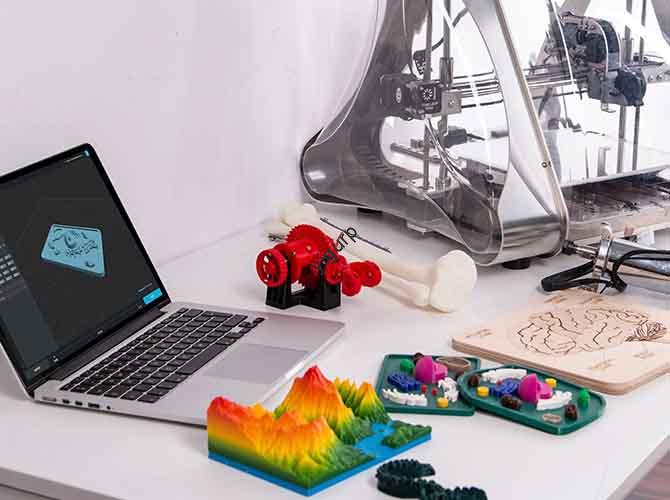
Our Capabilities: Empowering Educators and Students
At Yigu Technology, our Education 3D Printing capabilities are built for the unique needs of classrooms. We don’t just sell printers—we deliver end-to-end solutions that make it easy for teachers to integrate 3D printing into daily lessons.
Our core strengths include:
- Educational Solutions: Bundles that include printers, non-toxic filaments, and pre-designed lesson plans—no extra shopping required.
- Classroom-Ready Systems: Printers with kid-friendly controls, automatic safety shutoffs, and durable builds (resistant to accidental knocks). Setup takes 20 minutes, and teachers can start printing lessons the same day.
- Curriculum Integration: Lesson plans aligned with national standards (e.g., NGSS for STEM, Common Core for Math). For example, a 5th-grade science lesson on ecosystems includes 3D printable plant and animal models.
- Teacher Training: Free online workshops and in-person sessions (3 hours average) to teach educators how to use printers, design simple models, and troubleshoot common issues. 95% of teachers feel confident after training.
- Student-Centered Learning: Tools that let students lead projects—our easy-to-use design software (for ages 8+) lets kids create their own math manipulatives or engineering prototypes, fostering independence.
| Capability | Our Specification | Industry Average Comparison |
| Classroom-Ready Systems | 20-minute setup, safety shutoffs | 1+ hour setup, no built-in safety features |
| Curriculum Integration | 500+ standards-aligned lesson plans | 50–100 generic lesson plans |
| Teacher Training | Free, 3-hour sessions (online/in-person) | Paid training (100–200 per teacher) |
| Student-Centered Learning | Design software for ages 8+ | Software for ages 12+ only |
| Educational Solutions | All-in-one bundles (printer + filament + lessons) | Separate purchases required |
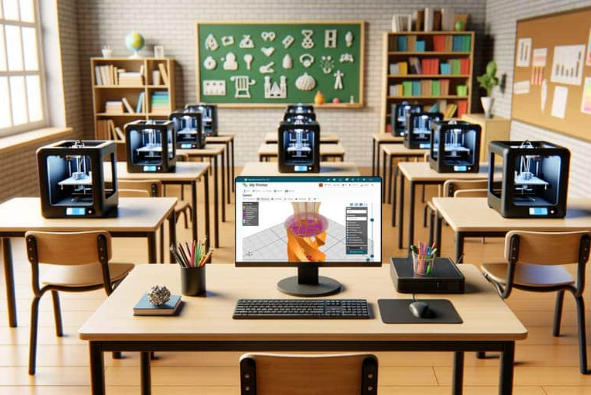
Process: From Lesson Plan to Student Project
Our Education 3D Printing process is designed to fit seamlessly into classroom workflows—simple enough for teachers to manage, and engaging enough for students to lead. It takes five clear steps:
- Design and Modeling: Teachers use our pre-designed lesson plans (or adapt them) to guide students. Younger students might use our drag-and-drop software to modify existing models (e.g., adding labels to a cell model), while older students can create their own designs (e.g., a bridge prototype).
- Material Selection: Choose safe, classroom-appropriate materials. We recommend PLA for most projects (non-toxic, easy to print) and ABS for durable items like science kits. For art projects, Color-Changing Filaments (which shift color with heat or light) add excitement.
- Printing and Layering: Teachers or students load the filament into the classroom printer. Our printers have a “lesson mode” that prioritizes speed (most models print in 1–3 hours) and quiet operation (so class isn’t disrupted).
- Post-Processing: Students help with simple post-processing—peeling off support structures (our PLA prints rarely need them!) or sanding edges. This teaches responsibility and attention to detail.
- Classroom Integration: The printed items become part of the lesson. Students might dissect a 3D cell model, test a bridge prototype for strength, or use fraction tiles to solve math problems. Many teachers display student projects to celebrate creativity.
| Process Step | Average Time Taken | Student Involvement Tips |
| Design and Modeling | 45 mins–1 hour | Let students vote on model details (e.g., cell model colors) |
| Material Selection | 5–10 minutes | Teach students about material properties (e.g., “Why is PLA safe?”) |
| Printing and Layering | 1–3 hours | Let students take turns monitoring the printer (with teacher supervision) |
| Post-Processing | 10–15 minutes | Assign small groups to sand or decorate models |
| Classroom Integration | 1–2 class periods | Have students present how they used the model to learn |
Materials: Safe, Engaging Options for Classrooms
Safety and educational value are our top priorities when choosing Education 3D Printing materials. All our filaments are non-toxic, easy to print, and designed to enhance lessons.
| Material Type | Key Properties | Best For | Cost Range (Per kg) |
| PLA (Polylactic Acid) | Non-toxic (plant-based), easy to print, 30+ colors | Most classroom projects: models, manipulatives | 18–32 |
| ABS (Acrylonitrile Butadiene Styrene) | Durable, impact-resistant, heat-resistant | Science kits, engineering prototypes (for repeated use) | 22–36 |
| Educational Kits | Pre-cut filaments + lesson guides | New teachers or younger students (no measuring needed) | 45–60 (kit of 3) |
| Non-Toxic Filaments | BPA-free, low-odor, ASTM-certified | All K-12 projects (safe for young kids) | 20–34 |
| Color-Changing Filaments | Shifts color with heat/light, non-toxic | Art projects, interactive science demos (e.g., “How heat affects materials”) | 28–42 |
For example, a 2nd-grade class learning about shapes would use PLA to print color-coded geometric figures. A high school engineering class building wind turbines might choose ABS for durable blades. Art classes love Color-Changing Filaments—students print sculptures that change color when placed near a window!